
Show Every Color You Sell
Etsy listing mockups for every color of every design, generated in one batch. Connect Printify and your artwork, print placement and enabled colors come across on their own — or just drop in a PNG.
No Canva. No Photoshop. Easy work.
No credit card · No time limit
- Your designs never leave your browser
- 14-day money-back guarantee
- Payments secured by PayPal
The mockup library
More than just one kind of mockup
From tees to sweatshirts, flat lays to worn shots, ColorMockups gives you the mockups you need to build a complete Etsy listing. Pick your product, pick your colors, generate them all in one batch.
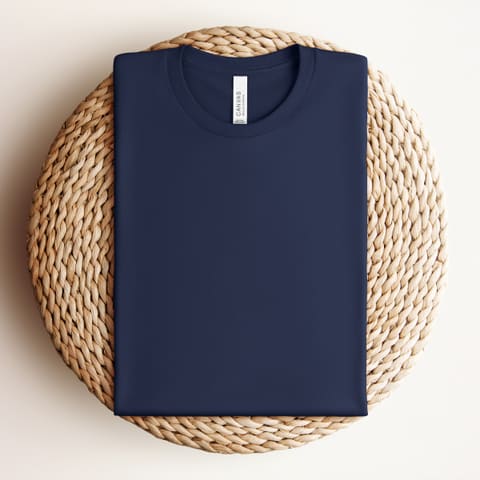
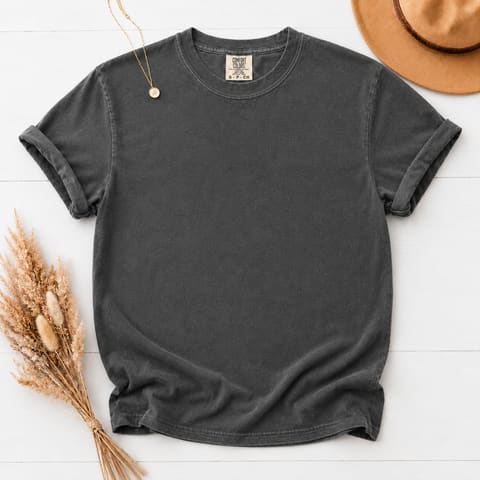
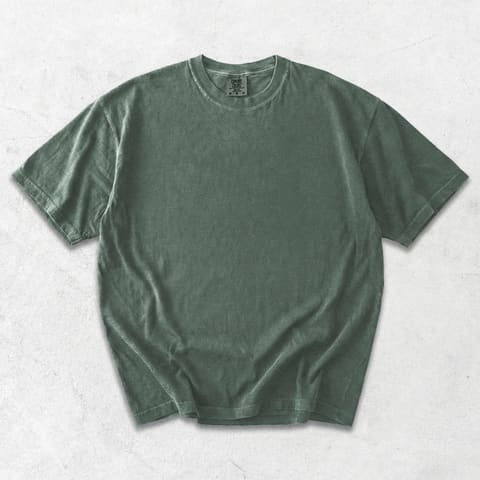
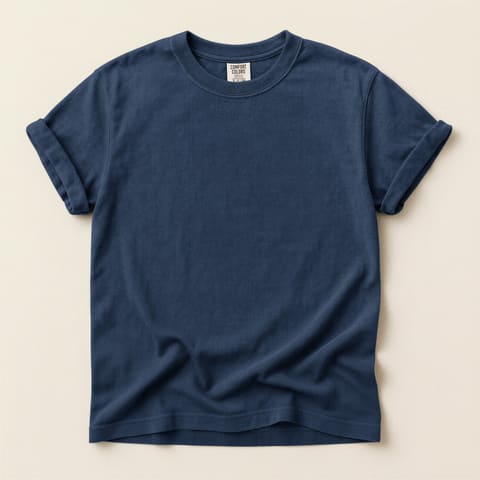
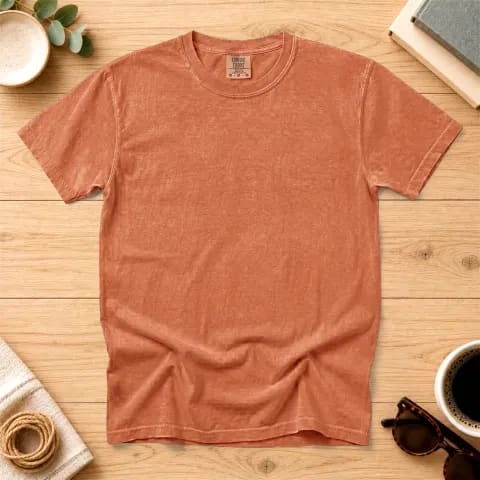
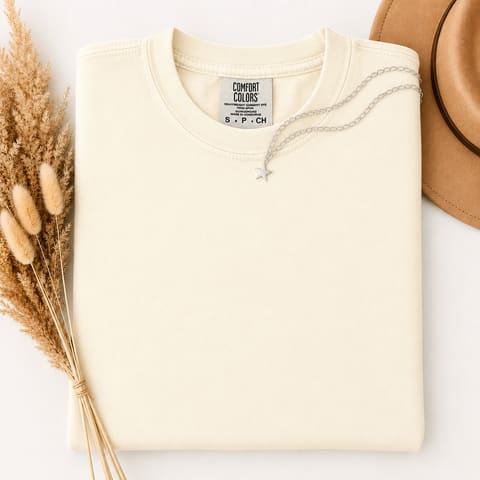
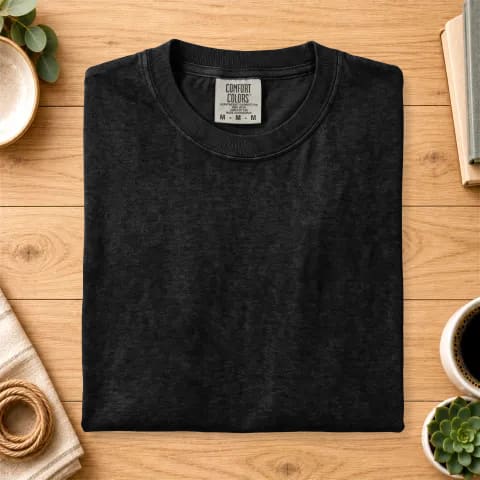
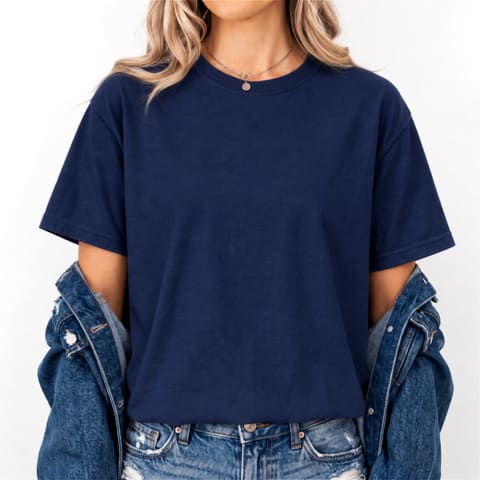
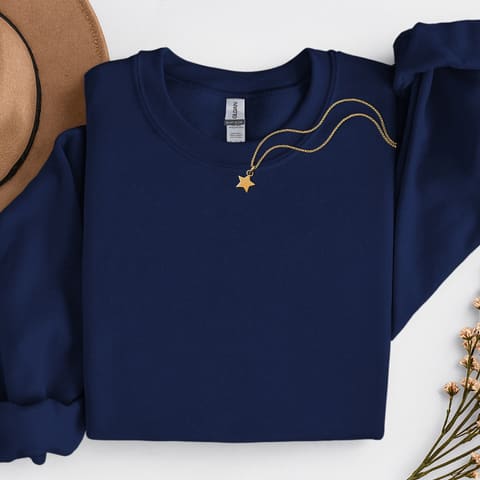
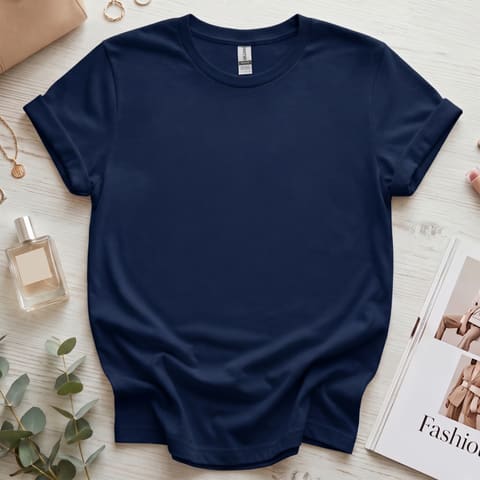
11 mockup styles · 325 garment colors · 719 mockups in all
No credit card · no time limit
The problem
Selling 14 colors shouldn't mean making 14 mockups
Your Etsy listing can offer every color your Printify product supports. The colors are already enabled. Your design is already positioned. The product is already built. The missing piece is the photography.
1 design × 30 colors
One design across thirty colors is thirty files. By hand it is the same work thirty times — and the next design starts the count again.
Change → export → repeat
Open Canva or Photoshop. Change the shirt. Position the design. Export. Rename. Repeat. Then do the whole thing again for the next design.
So most colors stay unseen
A color selector tells a shopper which colors exist. A photograph shows them what the color actually looks like. Most listings only manage the first.
See what it does with your own designs.
This is the part that changes everything
You don't make 30 mockups. You make 1.
Position your design once. Select the colors you sell. ColorMockups renders the rest — same artwork, same placement, every shade.

Position it once. Or let Printify hand over the placement you already set.
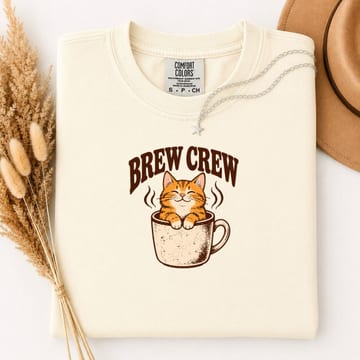 Ivory
Ivory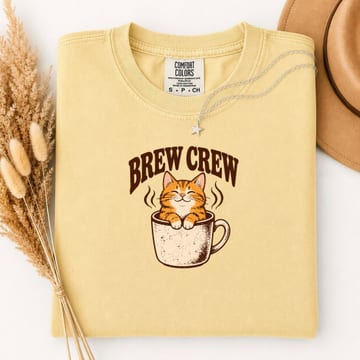 Butter
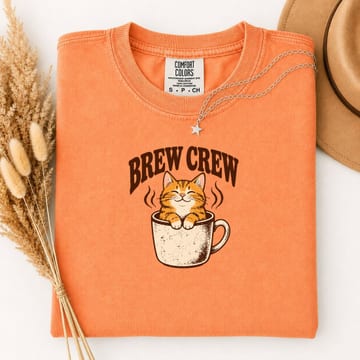 Melon
Melon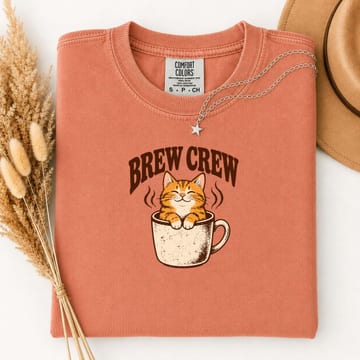 Terracotta
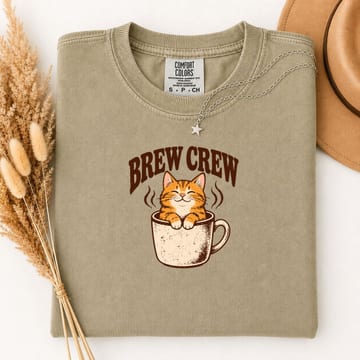 Khaki
Khaki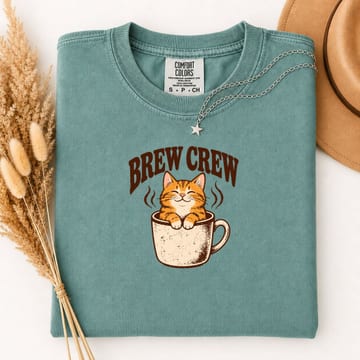 Seafoam
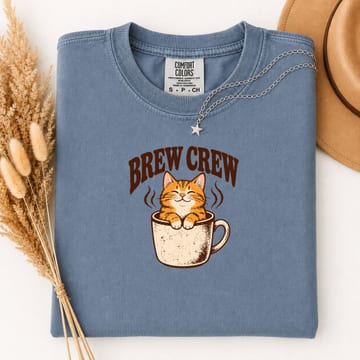 Blue Jean
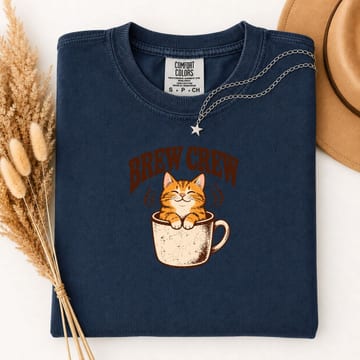 True Navy
Same artwork, same placement, every shade — rendered, not recolored.
One folder per design
Files named by color
Your first 25 come out of the free tool, with no account.
One placement. Every color. One organized ZIP.
Seasonal scenes
Same shirt. Same design. Every season.
Two of the styles ship the garment cut out, so it can be photographed on whatever the moment calls for. Pick a background from the dropdown and the whole batch is rendered on it — no reshoot, no second set of files, no editing.
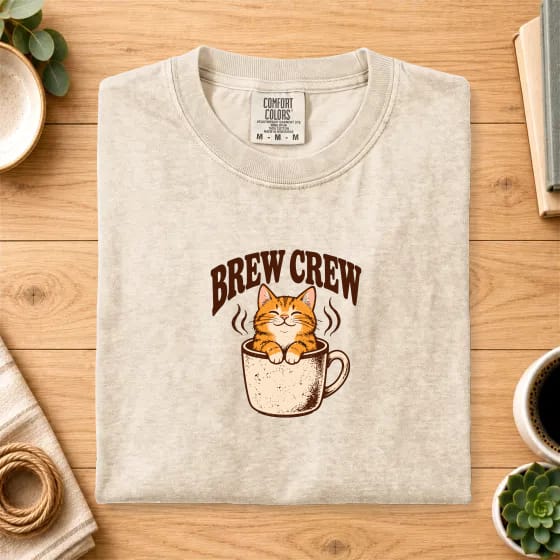 NeutralThe default
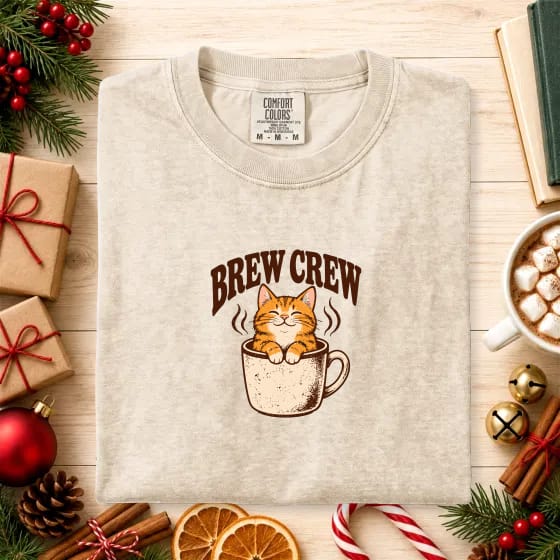 Christmas
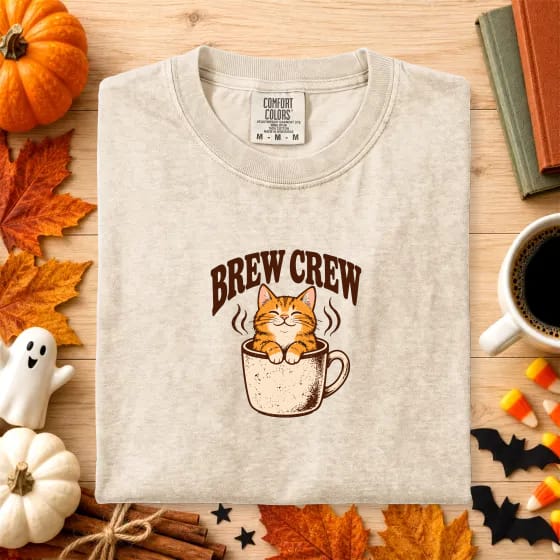 Halloween
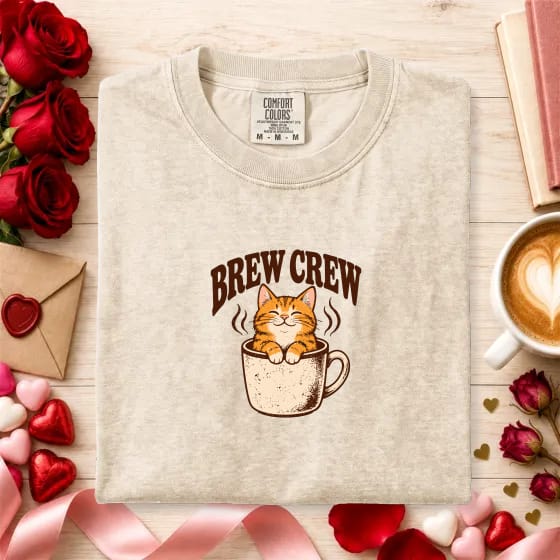 Valentine's Day
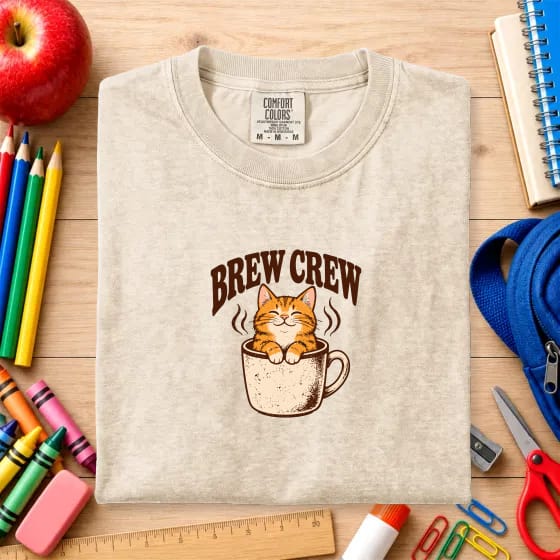 Teacher
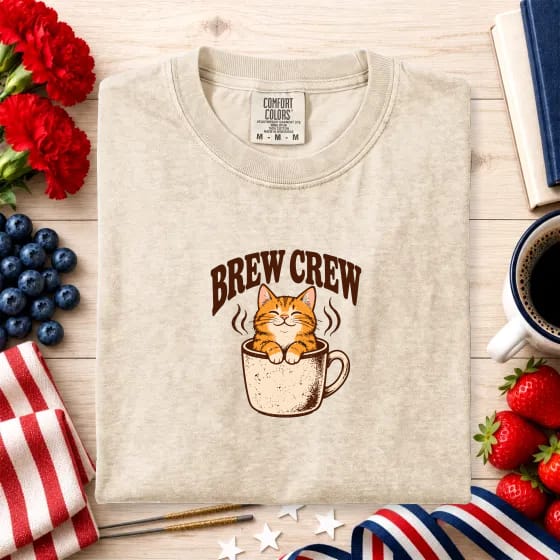 4th of July
13 backgrounds · one dropdown · applied to the whole batch
Every background is included. Nothing extra to buy.
Printify import
You already did the work in Printify. We reuse it.
Your product already knows its artwork. It already knows where that artwork goes. It already knows which colors you're selling. There is no reason to enter any of it a second time.
Your artwork
Pulled straight from the product you already built.
Your placement
The print position you set in Printify comes across with it.
Your colors
Only the colors you have enabled for sale are imported.
Connect once. Stop rebuilding the same information in another tool.
- Connects with Printify's own API token, which is free
- Pulls each product's front artwork and its exact print placement
- Selects only the colors you have enabled for sale
- Import as many designs as you like, in one go
- Matches Printify color names to mockup colors, and flags anything uncertain
- Your token is encrypted on our server and never reaches browser code
How it works
Three steps, then you're done
No installing, no template files, no exporting one color at a time.
Import from Printify
Connect your shop with Printify's free API token and pull in as many designs as you like. The artwork, the placement and your enabled colors all come with them. Or drop in PNGs by hand.
Adjust only if you want to
The placement arrives from Printify, so usually there is nothing to do. Drag, scale or rotate if you'd rather. Add a color label or your logo.
Download the whole set
Hit Generate and get every design in every color at full resolution, in one organised ZIP.
Placement arrives
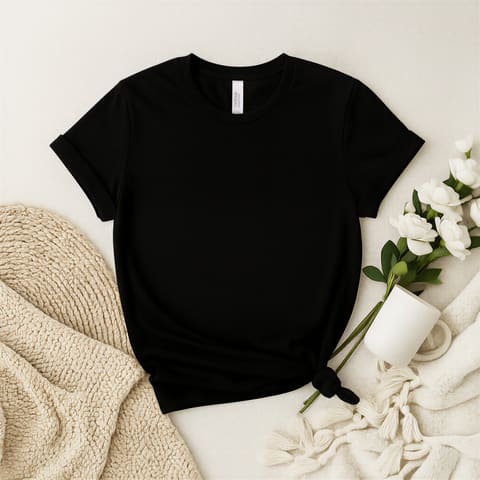
Bella+Canvas 3001 — Flat Lay
Pick your colors
158 on Bella+Canvas 3001 — Folded on Rattan
- my-design/
- 01 - Aqua.png
- 02 - Army.png
- 03 - Ash.png
- 04 - Asphalt.png
- 05 - Athletic Heather.png
- … 153 more
One ZIP, ready to upload
Full resolution, named by color
The workflow
The difference isn't the mockup. It's the work behind it.
Both columns end with the same files on your desk. Only one of them ends with your afternoon still intact.
Making mockups by hand
- 1Open Photoshop or Canva
- 2Open the design file
- 3Change the shirt color
- 4Position the design
- 5Export the file
- 6Rename it to the color
- 7Repeat for the next color
- 8Repeat
- 9Repeat
9 steps, per color, per design
With ColorMockups
- 1Connect Printify
- 2Choose your designs
- 3Choose your colors
- 4Generate
- 5Download the ZIP
5 steps, once
Same goal. A fraction of the repetitive work.
Your batch is ready
Everything you need. One download.
Every design gets its own folder. Every mockup is named by its color. The listing thumbnail is marked so you know which to upload first. The whole batch comes down as one ZIP.
- Ivory.pnglisting thumbnail
- Butter.png
- Melon.png
- Terracotta.png
- Khaki.png
- True Navy.png
- Ivory.pnglisting thumbnail
- Blue Jean.png
- Pepper.png
One batch. One ZIP. Every design, every color.
See how fast it adds up
How many mockups are you making?
Put your own catalogue in. The number on the right is how many files stand between you and a finished set of listings.
How many you're listing
Up to 158 in one style
MOCKUPS
Made by hand, that is 225 separate files — open, recolor, position, export, rename, again. Here it is one batch.
Your first 25 are free, so that is 200 beyond the free allowance.
Built for finishing the listing
Everything you need to finish the listing
Every one of these exists because it removes a step you would otherwise do by hand.
Full-resolution mockups
Every file renders at the mockup's own native size, up to 4096×4096. Nothing is upscaled, so the detail is real.
Know which color you're looking at
Stamp the color name onto the image itself, in one of four styles, placed wherever you want it.
Brand the whole batch
Add your logo once and it lands in the same spot on every file in the run.
Batches that finish
Renders run one at a time and stream to disk, so a few gigabytes of PNGs complete without crashing the tab.
Ready to upload
One folder per design, files named by color, the listing thumbnail marked, and the whole thing in a single ZIP.
Your designs stay in your browser
Mockups are composited on your own machine. Your artwork is never uploaded to us — there is nothing on our side to upload it to.
Don’t take our word for it. Make the mockups.
Upload one of your own designs, pick a garment, choose your colors and generate the batch. Then judge it on what comes out.
25 mockups free
- Free account
- No credit card
- No time limit
- No watermark
Start with your own design and see the result.
Would rather not make them yourself?
The same blanks, already photographed in every colorway. Finished images you drop straight into a listing — no account, no Photoshop, nothing to render. Buy one style, or take the lot.
- Mockups
- 719Mockups
- Styles
- 11Styles
- Blanks
- 4Blanks
One payment · instant download · yours to keep
Your designs stay on your computer
Mockups are composited in your own browser, on your own machine. Your artwork is never uploaded to us — there is nothing on our side for it to be uploaded to.
- Free account, no card
- No watermark
- Cancel anytime
- Payments secured by PayPal
Pricing
Unlimited mockups. One simple price.
Make your mockups free. Generate unlimited mockups for $9.99/month when you need more.
Free
Free account, no card, no time limit
The whole tool, including the Printify import: as many designs, colors and batches as you like until the 25 are spent. Nothing resets and nothing expires.
Monthly Unlimited
Unlimited mockups
For when 25 is not enough. Cancel anytime.
Continue with UnlimitedAnnual Unlimited
Unlimited mockups
For when 25 is not enough. Cancel anytime.
Continue with UnlimitedYour subscription starts today and renews automatically at the same price until you cancel. Cancel in one click from your account page.
Pay with PayPal, or any card linked to your PayPal account. See full pricing and what is included →
FAQ
Common questions
What does ColorMockups actually do?
You upload transparent PNG designs, place one on a garment mockup, pick the colors you sell, and ColorMockups renders every design on every color at full resolution and hands you a single ZIP. Three designs across thirty colors is ninety finished mockups from one placement.
Do my designs get uploaded anywhere?
No. Rendering happens entirely in your browser. Your design files never leave your computer, and the finished ZIP is written straight to your disk. Our servers only handle sign-in and, if you use it, the Printify connection.
Which garments and mockups are included?
Currently Comfort Colors 1717, Bella+Canvas 3001, Gildan 18000 and Gildan 64000 in flat lay and folded scenes, with every stock color for each. New styles are added regularly and every plan gets them automatically.
What resolution are the files?
Each style renders at its own native size, up to 4096×4096 pixels. You can choose Full or Half resolution per batch. Nothing is upscaled, so the detail you get is real.
How does the Printify import work?
Paste a Printify personal access token, pick the products you want, and ColorMockups pulls each product's front artwork, its enabled colors and its placement. Printify color names are matched to the mockup colors automatically, and anything uncertain is flagged for you to check.
Which browser should I use?
Chrome or Edge on a desktop computer. They can stream large batches straight to disk. Firefox and Safari work for smaller batches but hold the ZIP in memory, so very large sets may fail there.
How much does it cost?
$9.99 a month, or $89.99 a year which saves 25%. Both plans are identical and both include unlimited mockup generation. Before any of that, the free generator gives you 25 mockups with no account and no card, so you can see the output before you decide.
Is there a free plan?
There is a free tool. It needs no account and no card, and it gives you 25 mockups — real files, full resolution, no watermark, yours to use. When those are spent it locks and a subscription is the way to carry on. An account carries no free allowance of its own: you create one in order to subscribe.
Do I need a credit card to try it?
No — and you do not need an account either. The free mockup generator runs 25 mockups for anyone who opens the page: no card, no PayPal, nothing to cancel, nothing to forget about. You sign up at the point you decide to subscribe, and that is the only point payment is asked for.
When exactly will I be charged?
Only when you choose to subscribe, at the moment you approve the payment in PayPal — and then on that same date each month or year until you cancel. The free tool never asks for payment, because it never asks who you are.
How do I pay?
You pay with PayPal, without leaving this site — the PayPal window opens over the pricing page. You can use your PayPal balance or any credit or debit card linked to your PayPal account, so a PayPal account is needed to subscribe. PayPal emails you a receipt for every payment.
More in the full FAQ →
Ready to fill your listings?
Connect Printify, click a product, and have every color of it in a couple of minutes.
25 free mockups · no credit card · 660 colors ready to render